Data acquisition: SRA Tools
This section covers downloading public sequencing data using the SRA (Sequence Read Archive) Tools on an HPC cluster, so admins and users can reliably stage datasets for genomics and RNA-seq workflows.
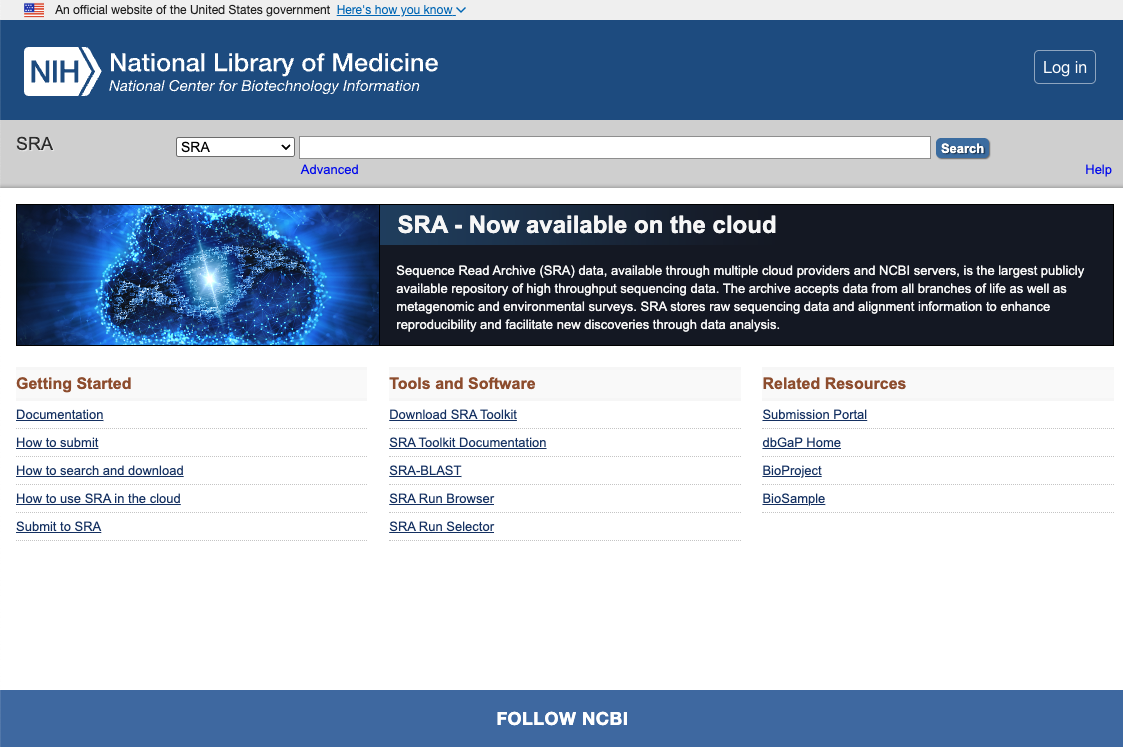
What is the SRA?
The Sequence Read Archive (SRA) is the U.S. National Institutes of Health’s primary archive of high-throughput sequencing data, hosted at the National Center for Biotechnology Information (NCBI). It is part of the International Nucleotide Sequence Database Collaboration (INSDC), which also includes the European Bioinformatics Institute (EBI) and the DNA Database of Japan (DDBJ). Data submitted to any of these three organizations are shared among them. Source.
Why it’s relevant
Researchers are often required to deposit sequencing data in the SRA as a condition of publication. As a result, the SRA holds a large share of the world’s public sequencing data. For HPC clusters, that makes it the usual source when users need to:
Reproduce published results by downloading the same runs cited in a paper.
Benchmark or test genomics and RNA-seq workflows with real, publicly available datasets.
Train or demo tools (e.g. BWA-MEM, RNA-seq pipelines) without requiring local, sensitive data.
Supporting reliable, efficient downloads from the SRA—via the SRA Tools described below—is therefore a common requirement for clusters that serve bioinformatics users.
The SRA Tools
The SRA Tool is NCBI’s set of command-line tools for downloading and converting data from the SRA. Two commands cover most use cases:
prefetch — Downloads an SRA run (e.g.
SRR12345678) in NCBI’s native.sraformat into a local cache. It can resume interrupted downloads and is the recommended first step before extracting reads.fasterq-dump — Converts cached
.sradata into FASTQ files (single- or paired-end). It is multi-threaded and faster than the legacyfastq-dump; it reads from the cache thatprefetchfills and writes FASTQ to a directory you choose.
Together, prefetch then fasterq-dump is the usual workflow for getting
FASTQ data from the SRA. Run from a cache directory (e.g. $SCRATCH) and use
local scratch for fasterq-dump temp files when possible. Below we outline
why this matters for HPC admins and how to run these tools on cluster systems.
Why this matters for HPC admins
Network: prefetch downloads from NCBI over HTTPS (port 443). Nodes that run prefetch need outbound internet access and sufficient bandwidth; downloads can be large and sustained (tens to hundreds of GB per run).
Storage and I/O: prefetch writes
.srafiles to a cache directory; direct users to put this on scratch space, not home. fasterq-dump needs high write throughput and creates temporary working files that can be as large as (or larger than) the final FASTQ. Have users run fasterq-dump from local scratch so temp files do not fill shared storage.Cache and defaults: If the SRA Tools cache location is not set, prefetch may write to the user’s home directory or current working directory, which can quickly fill quota. Advise users to pass an explicit output path (e.g.
prefetch -o
$SCRATCH/sra_cache SRR...
) or configure defaults withvdb-configso the cache lives on scratch or project space.
Running on TACC systems with Apptainer and Biocontainers
On TACC systems, SRA Tools is available via the Biocontainers module, which provides versioned container images that run under Apptainer. First, load the required modules, then invoke the tools inside the container.
Example 1: Downloading one SRA Accession (via idev)
This walkthrough runs prefetch and fasterq-dump for a single SRA
accession (SRR37082805)
in an interactive session on a compute node. Make sure you are working from $SCRATCH
so you have enough space.
1. Start an interactive session. Stampede3 example: idev -p skx -m 30 for 30 minutes
on the skx partition.
2. Load modules. The Biocontainers stack provides versioned SRA Tools images. List and load a version:
module load biocontainers
module spider sra-tools          # list available versions
module load sra-tools/ctr-3.1.1--h4304569_0
3. Run prefetch. This downloads the run in NCBI’s .sra format into a
new directory named after the accession. Optional: use -v for verbose
output. The tool may look for Aspera (ascp) for faster transfer; if
not installed, it falls back to HTTPS.
prefetch SRR37082805 -v
Result: a directory
SRR37082805/containingSRR37082805.sra.
4. Run fasterq-dump. This converts the .sra file to FASTQ (raw sequencing
data + quality information).
disk planning
The final FASTQ files that users want will be ~7x the size of the .sra file.
The fasterq-dump tool will also need temporary space of ~1.5x the size of the final
FASTQ files during the conversion.
Overall, the space you need for fasterq-dump is ~17x the size of the .sra file.
Use --threads to match your node allocation:
fasterq-dump --threads 16 SRR37082805 -v
Example output:
spots read      : 46,123,312
reads read      : 92,246,624
reads written   : 92,246,624

$ ls -lh
total 30G
drwxr-xr-x 2 kbeavers G-827556 4.0K Feb 15 15:09 SRR37082805
-rw-r--r-- 1 kbeavers G-827556  15G Feb 15 15:30 SRR37082805_1.fastq
-rw-r--r-- 1 kbeavers G-827556  15G Feb 15 15:29 SRR37082805_2.fastq
Example 2: Batch prefetch and fasterq-dump on one node
This example runs prefetch for all accessions in one job, then fasterq-dump
in a second job on one node, with at most three fasterq-dump processes running
at once. Use the same accession list for both steps.
1. Create an accession list. One SRA run ID per line, e.g. accession_list.txt:
SRR37082809
SRR37082811
SRR37082812
SRR37082805
SRR37082806
SRR37082807
SRR37082808
SRR37082810
SRR37082813
2. Submit a prefetch job. Run prefetch for all accessions in one job so the
.sra files are on the filesystem.
prefetch.sbatch#!/bin/bash
#SBATCH -J prefetch_job
#SBATCH -p skx
#SBATCH -N 1
#SBATCH -n 1
#SBATCH -t 01:00:00
#SBATCH -o logs/%x-%j.out
#SBATCH -e logs/%x-%j.err
#SBATCH -A <your-allocation>
module load biocontainers
module load sra-tools/ctr-3.1.1--h4304569_0
prefetch --option-file accession_list.txt
3. Submit a fasterq-dump job. After prefetch finishes, run the script below to
convert all .sra files to FASTQ on one node.
fasterq-dump.sbatch #!/bin/bash
#SBATCH -J fasterq-dump
#SBATCH -p skx
#SBATCH -N 1
#SBATCH -n 1
#SBATCH -t 02:00:00
#SBATCH -o logs/%x-%j.out
#SBATCH -e logs/%x-%j.err
#SBATCH -A <your-allocation>
module load biocontainers
module load sra-tools/ctr-3.1.1--h4304569_0
LIST=accession_list.txt
MAX_PARALLEL=3
echo "Node: $(hostname) List: $LIST Max parallel: $MAX_PARALLEL"
# Read the list file line by line; run up to MAX_PARALLEL fasterq-dump jobs,
# starting the next when one finishes.
running=0
while read -r acc; do
[[ -z "$acc" ]] && continue
while (( running >= MAX_PARALLEL )); do
wait -n
((running--))
done
fasterq-dump "$acc" --threads 12 &
((running++))
done < "$LIST"
wait
echo "Done."
What the script does
Initialize a counter: The variable
runningkeeps track of how many backgroundfasterq-dumpprocesses are currently active.Read accessions one at a time with
while read -r acc; do:readreads one line from the input file ($LIST)accstores that line (the accession ID);[[ -z "$acc" ]] && continueskips empty lines-rprevents backslash interpretationdone < "$LIST"feeds the file into the loop so that each line becomes input
Enforce the parallel limit with
while (( running >= MAX_PARALLEL )); do:running >= MAX_PARALLELchecks whether we already have the maximum number of processes runningwait -nwaits until any one background job finishes((running--))decreases the counter because one job just completedThe loop exits once fewer than
MAX_PARALLELjobs are running
Launch a background job with:
fasterq-dump "$acc" --threads 12 &The
&symbol runs the command in the background((running++))increases the counter to reflect the newly started job
Wait for remaining jobs with
wait:After all accessions have been started,
waitpauses the script until any remaining background jobs finishThis ensures the script does not exit early.
This script essentially behaves like a simple traffic controller for fasterq-dump jobs. It reads
accession IDs from a file, starts up to MAX_PARALLEL converstions at once, and whenever one job finishes,
immediately starts the next. This continues until all accessions are processed, ensuring efficient use of
the node without oversubscribing its resources.
Additional resources
NCBI SRA: Sequence Read Archive
SRA Tools: SRA Tools documentation
prefetch & fasterq-dump: documentation
TACC Stampede3: Stampede3 User Guide